Pattern · Advertising platform
Destiny
One place to run the campaigns
I redesigned Pattern's ad platform so strategists could see budget, performance, and alerts in one place.
The problem
The old Destiny could not keep up. Scattered tools, manual workarounds, and no one place to act.


- My role
- Lead Product Designer – Destiny 2.0
- Focus
- Advertising platform
- Team
- PM, Engineering, Data Science, and Ad Strategy teams
- Signal
- Trust, control, and scale
01 · The opportunity
The old platform could not keep up with the work.
Pattern's advertising business grew across thousands of SKUs, campaigns, and marketplaces. The original Destiny could not keep up. Teams used scattered tools and manual workarounds to manage budgets and strategies.
I rebuilt it around how strategists already work, so they could see the number and act in the same place.
My role
- UX strategy, systems thinking, and full redesign
- Partnered with PM, Engineering, Data Science, and Ad Strategy teams
- Drove cross-functional alignment across business, design, and dev
02 · What I built
I rebuilt Destiny around how strategists think.
Every screen had to earn its place: less friction, clearer signal, a way to act without leaving the page.
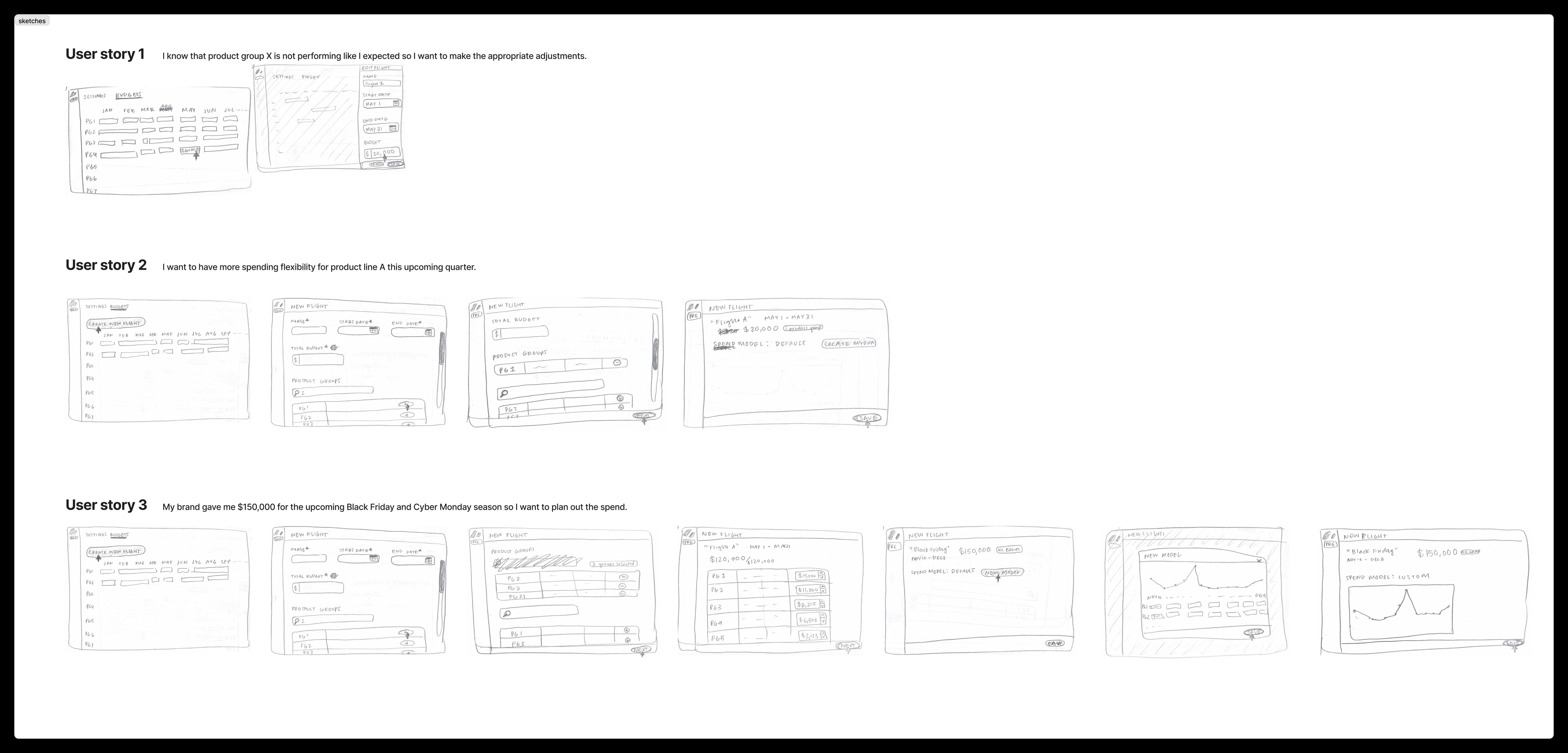
Curious how it all came together?


03 · Product group page
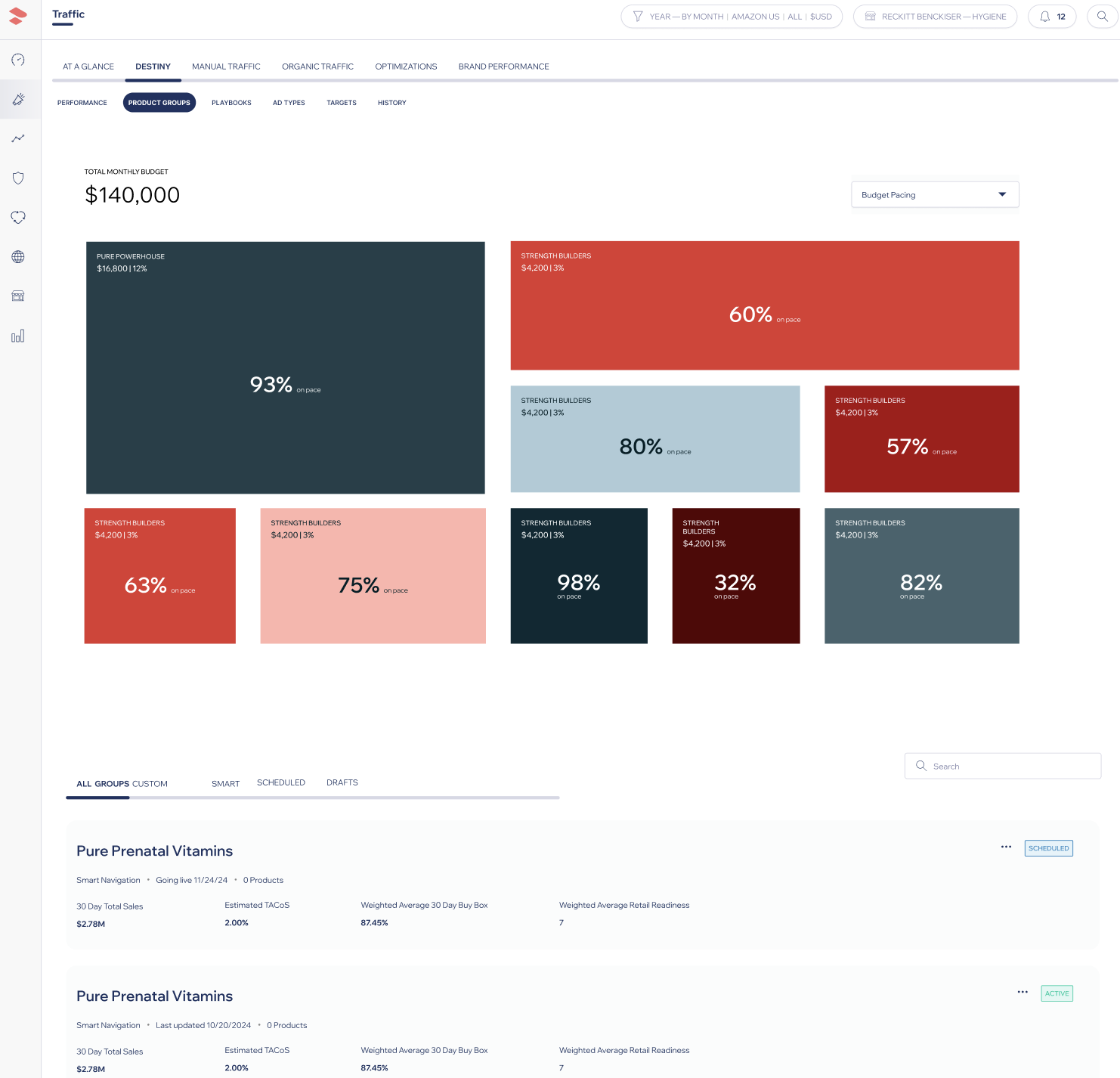
Product groups that can hold thousands of SKUs
- 01
Introduced smart grouping logic
to cluster products by performance and strategy
- 02
Allowed bulk updates
to campaigns and budgets from one central view
- 03
Designed a CSV import experience
that cut manual work by 80%
- 04
Enabled inline alerts and bulk edits
to resolve issues without context switching
I added a CSV import so campaign setup was faster and harder to get wrong.


Strategist
It used to take 5 tabs to find this info. Now I can fix it in one click.
04 · Performance page
Performance in one place, not five tabs
- 01
Created a unified dashboard
that shows ROAS, pacing, and alerts in one glance
- 02
Added drill-downs
to trace performance issues back to the source
- 03
Designed KPI callouts
to flag what's helping vs. hurting results

05 · Alerts system
Alerts that say what to do next
- 01
Net-new feature
introduced in Destiny 2.0
- 02
Alerts are ranked
and shown directly within workflow screens
- 03
Every alert includes a direct link to resolution
a way to fix it, not only a warning

06 · Impact & results
Impact & results
- 40%
- fewer clicks to complete common actions
- 32%
- improvement in budget pacing accuracy
- 28%
- increase in strategist satisfaction score
- 2x
- faster campaign setup time
07 · Strategic takeaways
Strategic takeaways
- 01
Built to grow past the first version
Every component was built to evolve
- 02
Grounded in real strategist workflows
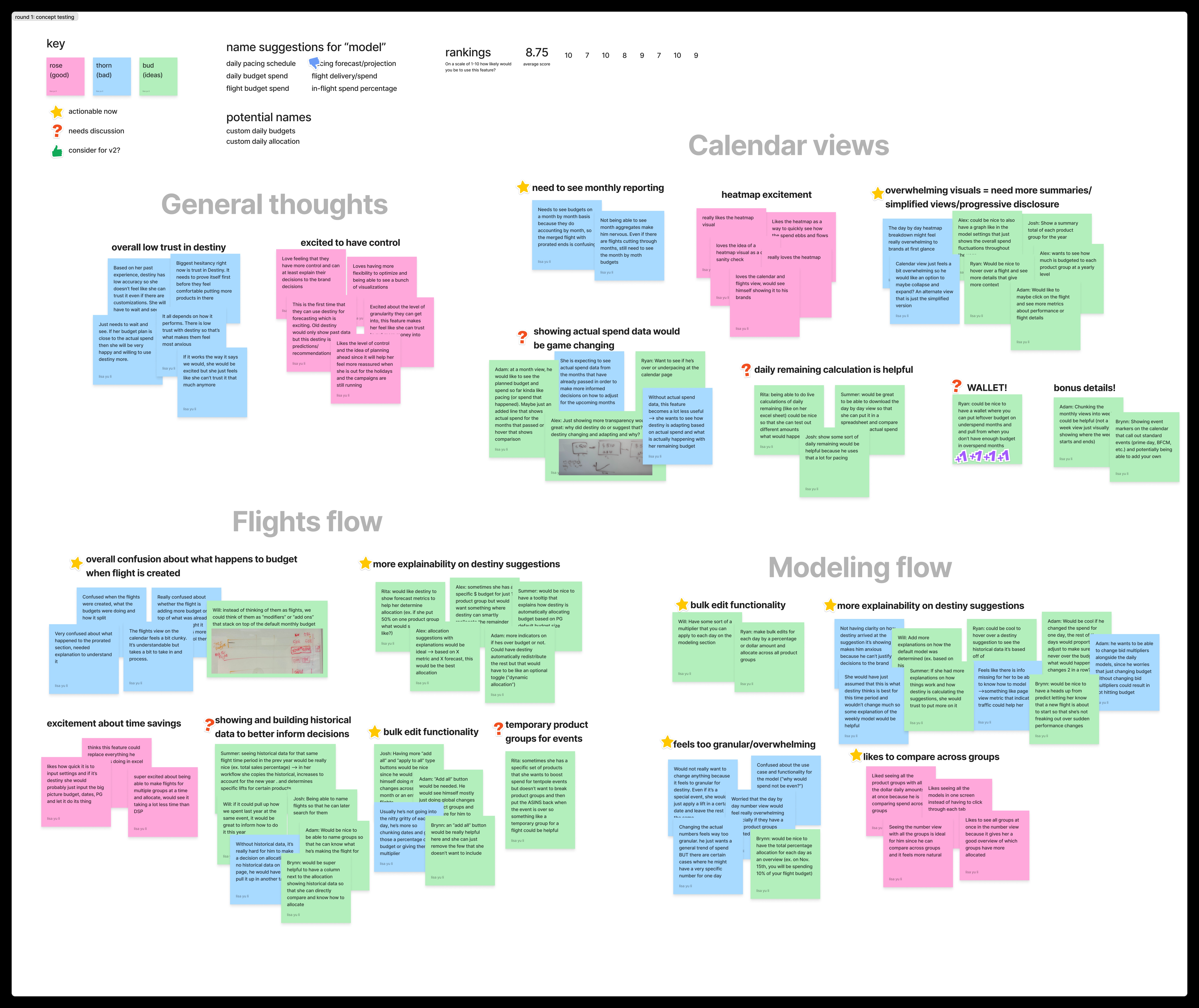
Insights came from weekly discovery
- 03
Enabled trust through transparency
Users now see what's working, what's not, and what to do about it
PM Quote
Destiny 2.0 gave us structure and flexibility. We finally feel ahead of the curve.
08 · Final thoughts
A new product, not a reskin.
I connected how strategists work to budget, performance, and alerts they can act on.
The same job showed up later in GYST: make operational signal trustworthy enough to act on. Destiny taught the team to explain why a recommendation existed. Those Pattern details live here as one story, not a second case.
